 Gibbai
- 01
Choose the local or online workspace and switch to AI search. Keep the type and other filters appropriate for your task.
- 02
Describe the asset or add one reference image. You can also add text alongside the image, then explicitly submit.
- 03
Inspect the returned assets. Use Find similar on an asset you like, or return and adjust the reference or description.
✦ AI member feature · Trial availableAbout the trial ↗
YOUR STARTING POINT
Describe it
AI search
Search →
Find assets from your description
Example results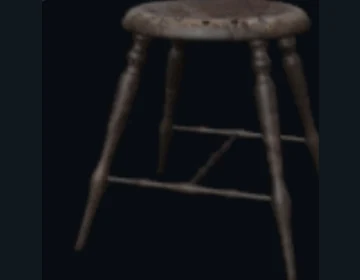
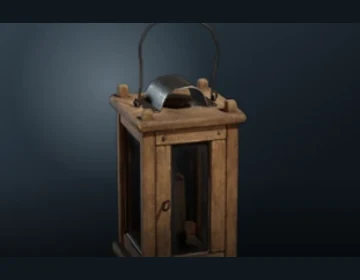
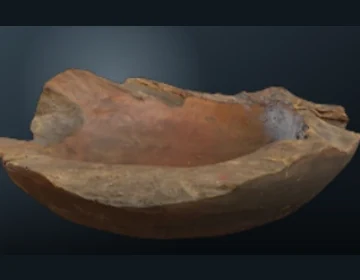
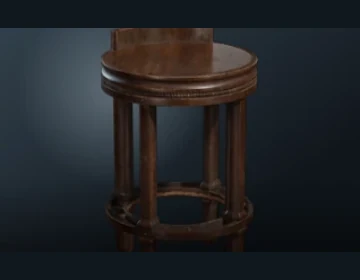
Search local and online assets in their own workspaces. Available with an active trial or membership.
Feature illustration based on the client interface and example assets.