 Gibbai
Free assets. Everyday tools.
Download free assets, manage your folders, filter, preview and use supported assets in Blender.
THE AI ASSET WORKSPACE FOR CG CREATORS
Find and download free models, materials and HDRIs. Search, preview and manage the assets you already own.
Actual application interface · Public sample assets
01 / Free assets
Find and download free models, PBR materials and HDRIs from connected sources, right in the app.
Explore this feature ↗Availability and download requirements depend on each source. Each asset keeps its original license; membership does not replace it.
02 / Asset search
Describe what you need, use a reference image, or find assets similar to one you already like.
Explore this feature ↗YOUR STARTING POINT
Find assets from your description
Example results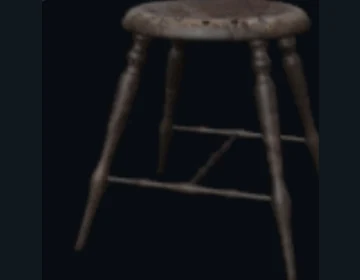
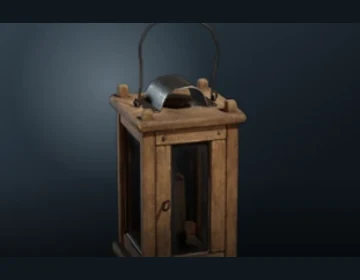
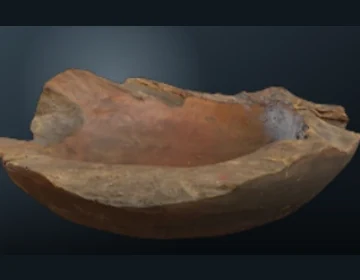
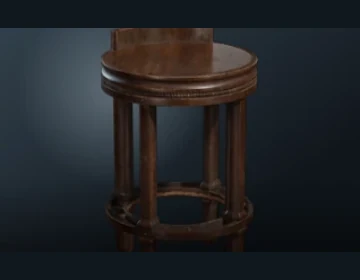
Search local and online assets in their own workspaces. Available with an active trial or membership.
Feature illustration based on the client interface and example assets.
03 / Asset management
Browse multiple folders together, filter by directory and return to favorites or recently used assets. Your files stay in place.
Explore this feature ↗All assets / Models · Materials · HDRIs
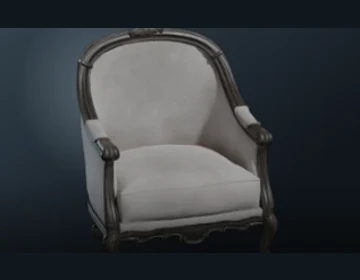
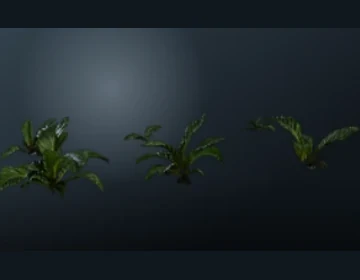
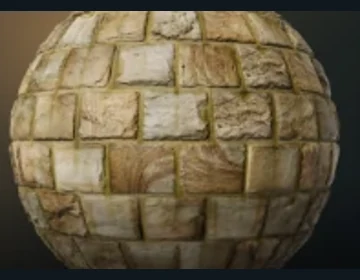
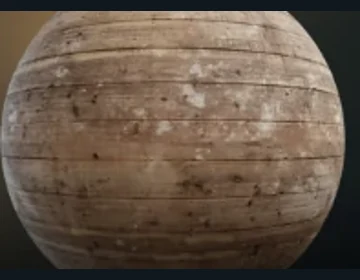
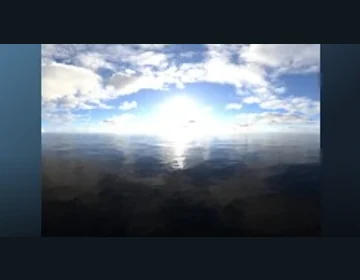
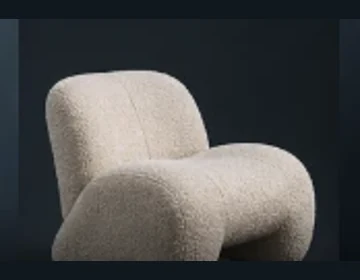
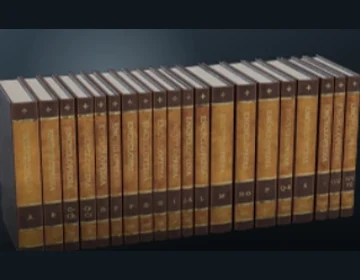
Feature illustration based on the client interface and example assets.
04 / Asset previews
Rotate a model, inspect a material and look around a supported HDRI before taking it into your scene.
Explore this feature ↗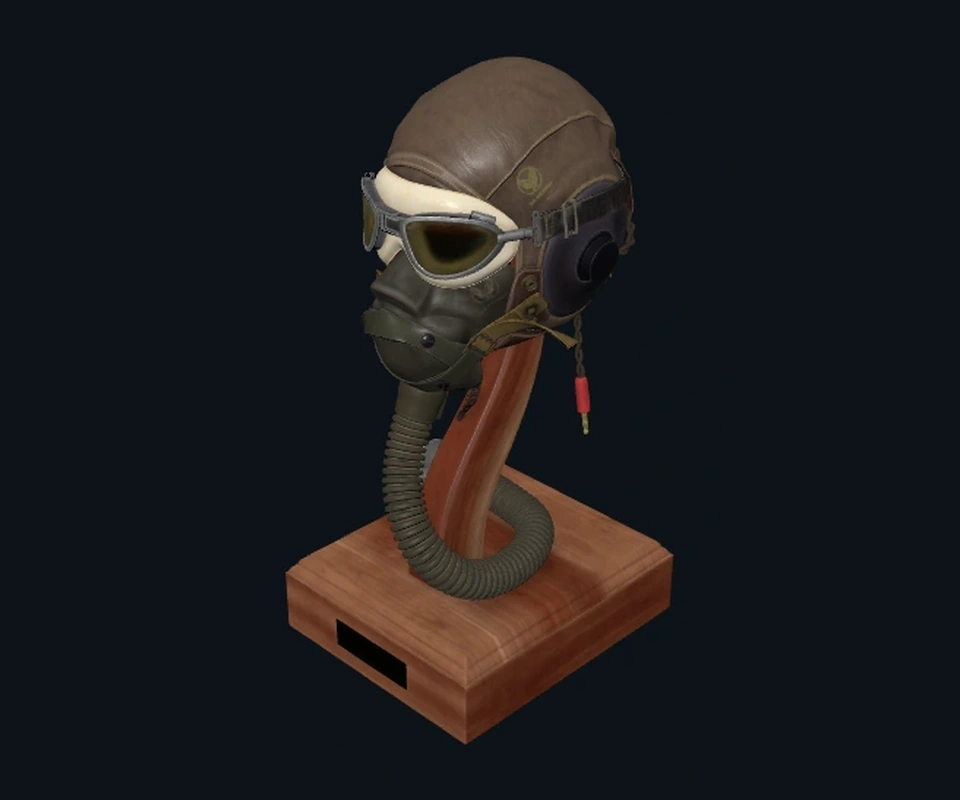
Choose an asset type to explore its preview
Drag to rotate · Scroll to zoomDrag to look around · Tap + / − to zoomArrow keys rotate, + / − zoom, Home resets
Flight Helmet · CC0 example model · live web preview
Preview availability depends on recognized content, file format and resources. Environment panoramas need a supported local equirectangular HDR / EXR. The interactive model below is a website demonstration.
05 / Use in your scene
Import supported models, apply PBR materials and set an HDRI environment in your connected Blender.
Explore this feature ↗Currently connected to Blender. Install a compatible Connector and connect the app first. Available actions depend on the asset format and Blender scene.
CLEAR FROM THE START
Download free assets, manage your folders, filter, preview and use supported assets in Blender.
An active trial or membership unlocks local and online AI search. Local AI needs an initial component download.
FAQ
Adding a local folder keeps your original assets and directory structure in place.
Free asset downloads and everyday tools are free. AI search needs an active trial or membership. Asset licenses remain separate.
You can collect, search, manage and preview assets in Gibbai. Using assets in a connected scene currently supports Blender.
Local AI images, paths and vectors stay on your computer. Search text is included in existing search events. Online image search uploads the image you submit; see the privacy policy.
BACK TO CREATING
Free assets and everyday tools. AI search with an active trial or membership.
Start with a guide ↗The latest installer information is temporarily unavailable.
Windows x64 · current published installer only