 Gibbai
- 01
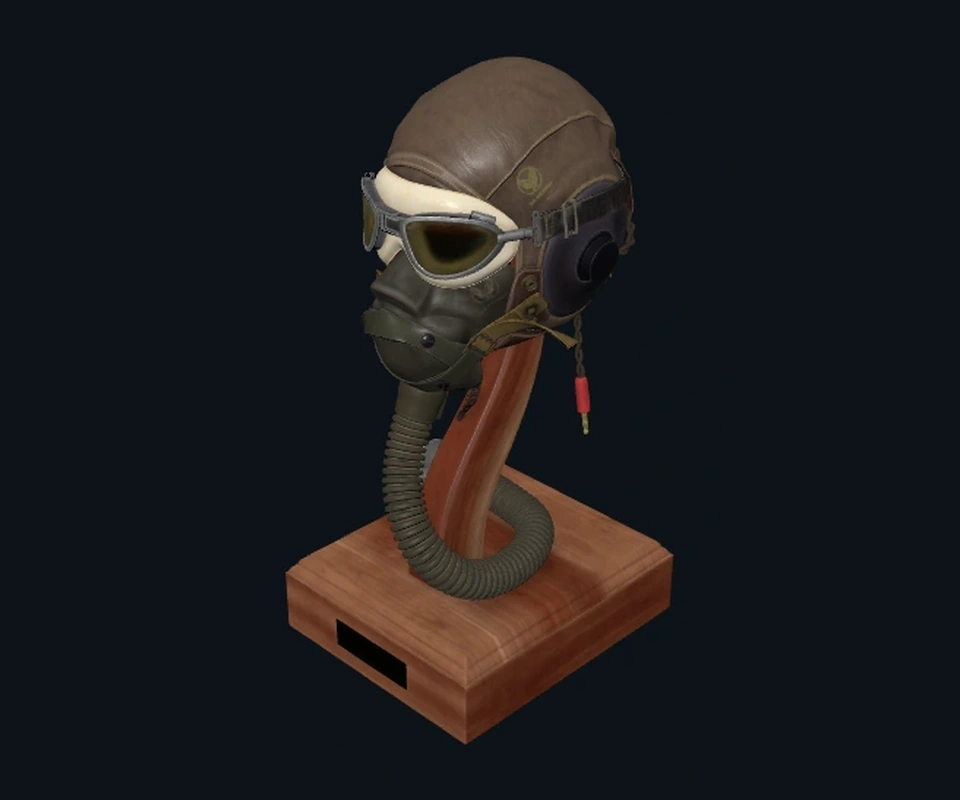
Open a supported model preview. Rotate and zoom to inspect its shape and details.
- 02
For materials, inspect the material preview and available texture details. Preview appearance may differ from your final scene lighting.
- 03
For supported local HDR / EXR environments, open the panorama and look around. Resource and format limits still apply.
Choose an asset type to explore its preview
Drag to rotate · Scroll to zoomDrag to look around · Tap + / − to zoomArrow keys rotate, + / − zoom, Home resets
Flight Helmet · CC0 example model · live web preview