GET STARTED

Bring your existing folders into one library

Keep your existing folders. Add them to Gibbai for a clearer view of what you already have.

  1. 01

    Add a folder from Local directories. Choose the folder that already contains your assets.

  2. 02

    Let the app scan recognized content. Browse it under My assets and use type and directory filters.

  3. 03

    Preview a result or save it to Favorites. Add more folders when ready; the original files stay in place.

01Multiple folders, one view02Favorites & recent assets03Original files stay in place

All assets / Models · Materials · HDRIs
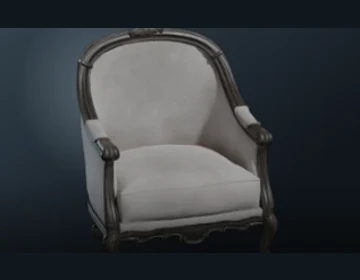
Vintage upholstered chair
Vintage upholstered chairStudio assets / .blend★
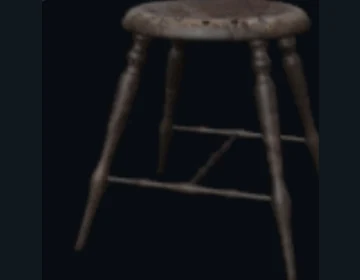
Weathered wooden stool
Weathered wooden stoolStudio assets / .blend
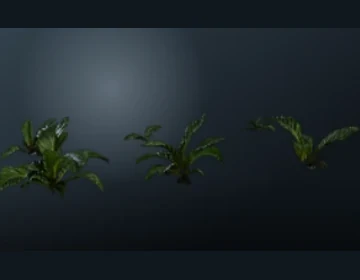
Indoor foliage
Indoor foliageStudio assets / .blend
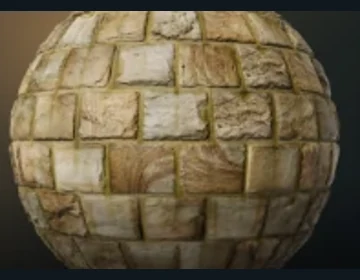
Warm stone blocks
Warm stone blocksMaterials & textures / PBR
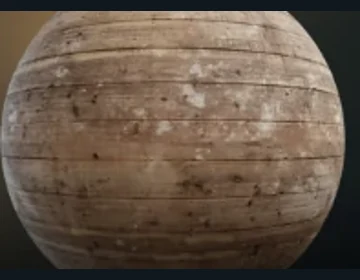
Weathered wooden floor
Weathered wooden floorMaterials & textures / PBR★
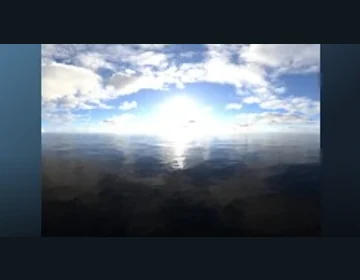
Cloudy sky HDRI
Cloudy sky HDRIProject archive / HDRI★
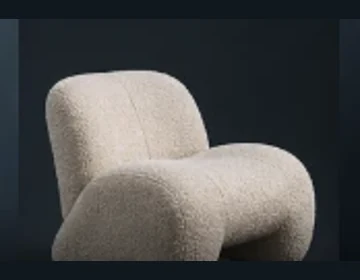
Cream lounge chair
Cream lounge chairStudio assets / .blend
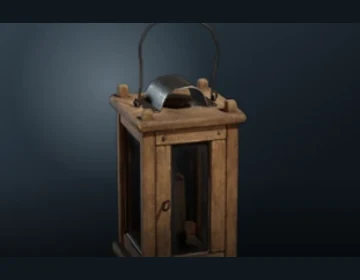
Wooden lantern
Wooden lanternStudio assets / .blend
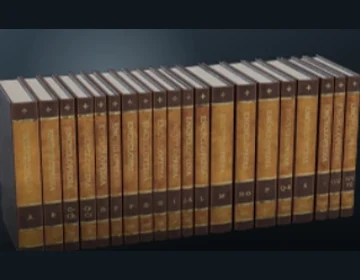
Decorative books
Decorative booksProject archive / .blend

Feature illustration based on the client interface and example assets.

Back to the feature ↗

BACK TO CREATING

Your next asset starts here.

Free assets and everyday tools. AI search with an active trial or membership.

Start with a guide ↗
Gibbai DesktopAvailable for Windows

The latest installer information is temporarily unavailable.

Windows x64 · current published installer only